




















TiCaNo Stopwatch
The stopwatch that remembers what you did.
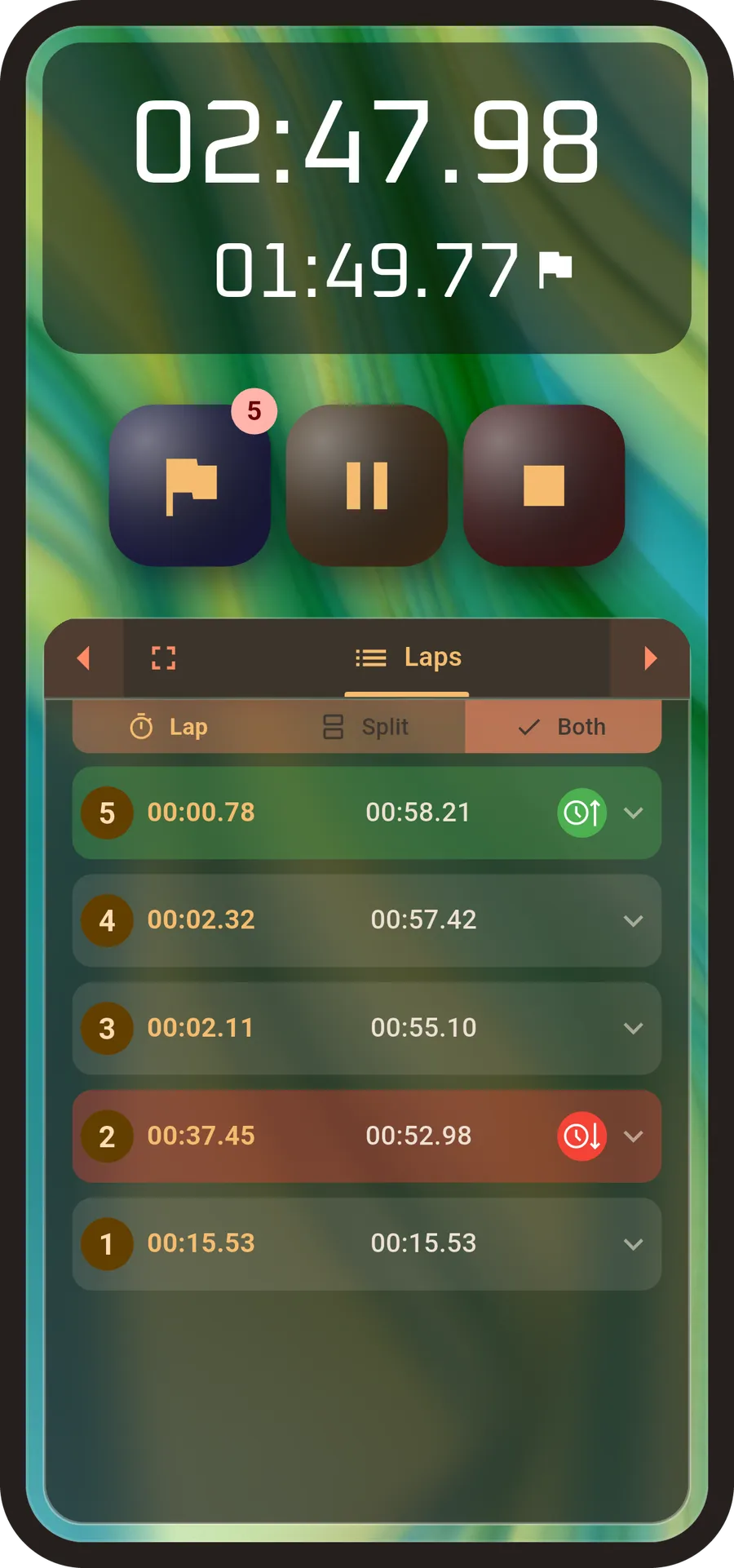
Built for Precision
Laps and splits
Record every segment with a tap. Read them as laps, as splits, or both at once — fastest and slowest marked for you, and the final stretch from your last lap to the stop counted too.
Sessions you keep
Save a session, or switch on Auto-Save and stop thinking about it. Laps, times and statistics stay exactly as you recorded them.
Edit what you recorded
Rename a session. Name individual laps — "warm-up", "set 3", "the hill". Add notes while it's fresh. Delete a lap you logged by mistake.
Export in three formats
TXT to read, CSV for spreadsheets, JSON for everything else. Set the time precision so what comes out matches what you need downstream.
Built the way you want it
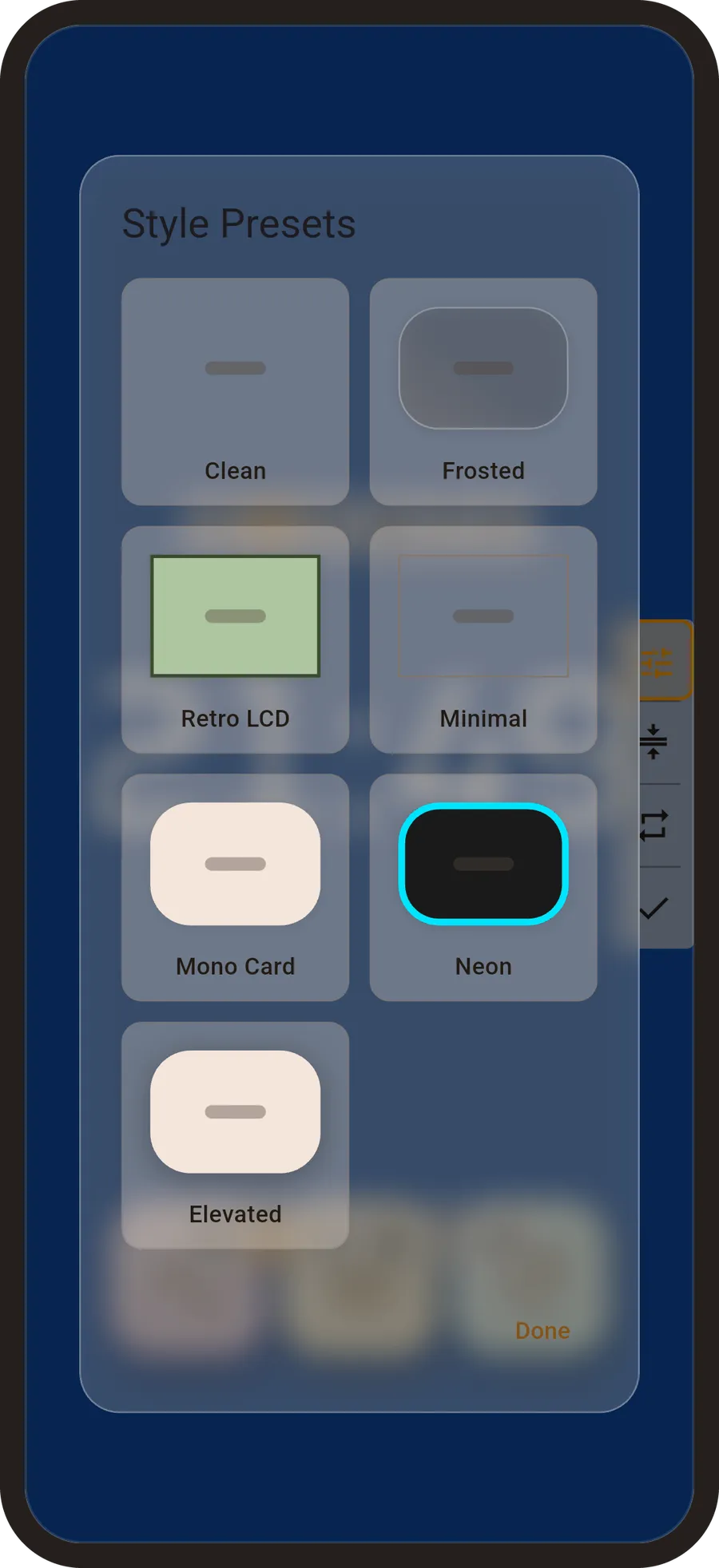
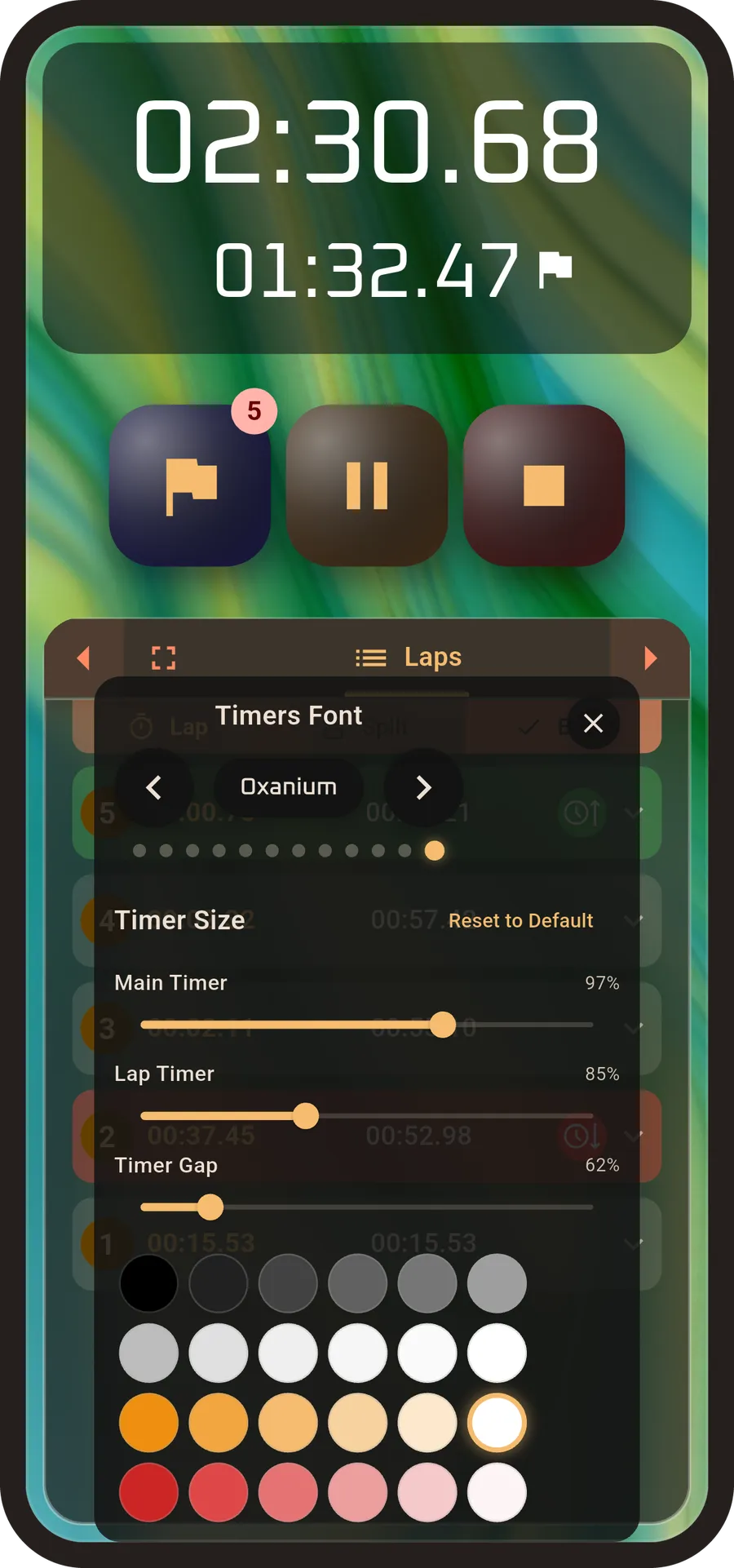
Move, resize and swap the panels. Twelve timer fonts, twenty-four colours, seven one-tap styles from Clean to Retro LCD to Neon — or your own photo behind it all.
Share exactly what you choose
Send a session to anyone, picking which details go with it — tick the boxes for what matters and leave the rest out. Different from exporting a file, and better when you just want to show someone one run.
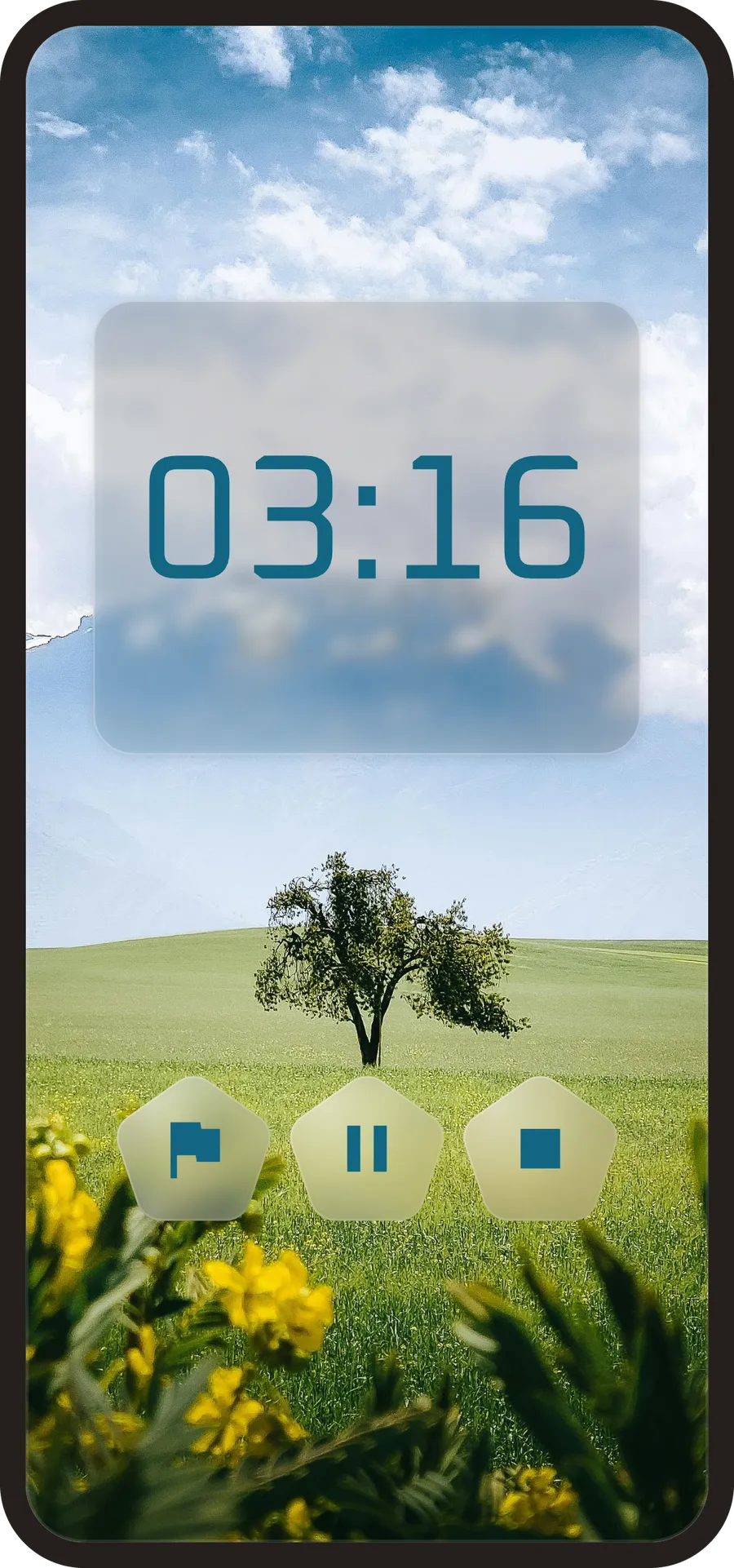
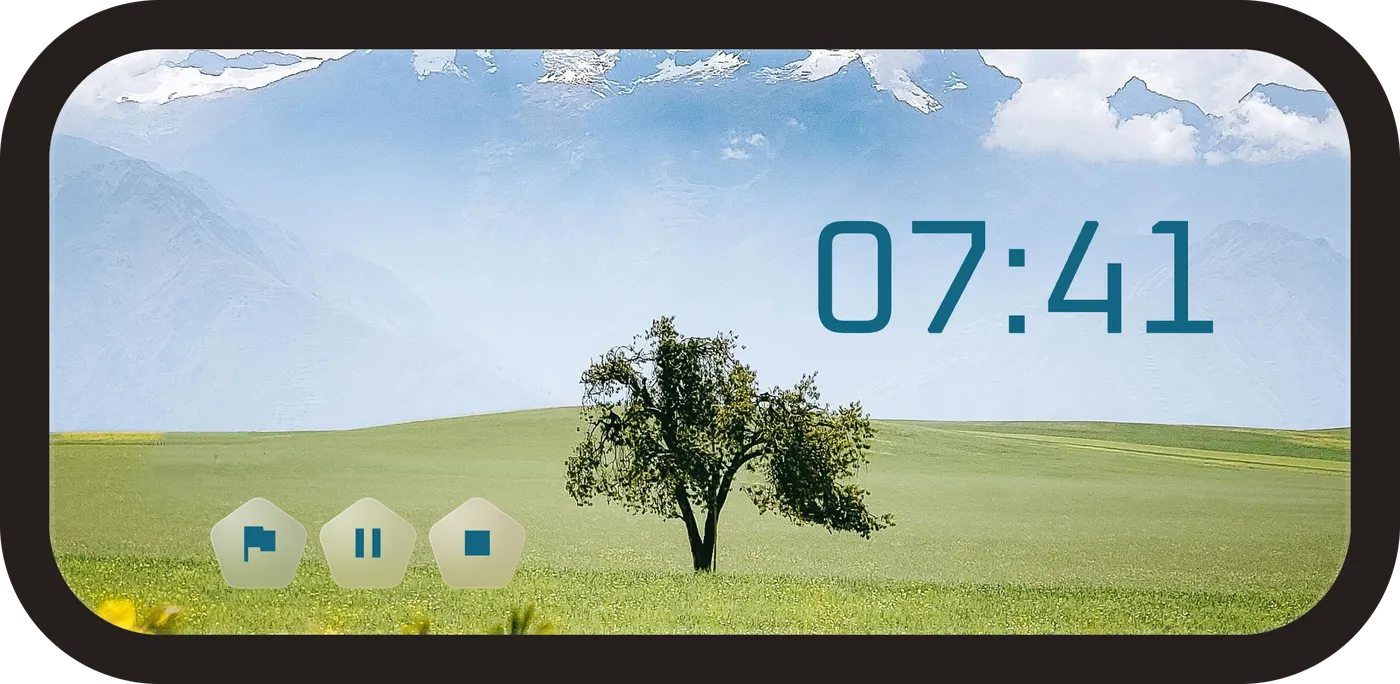
Distraction-Free
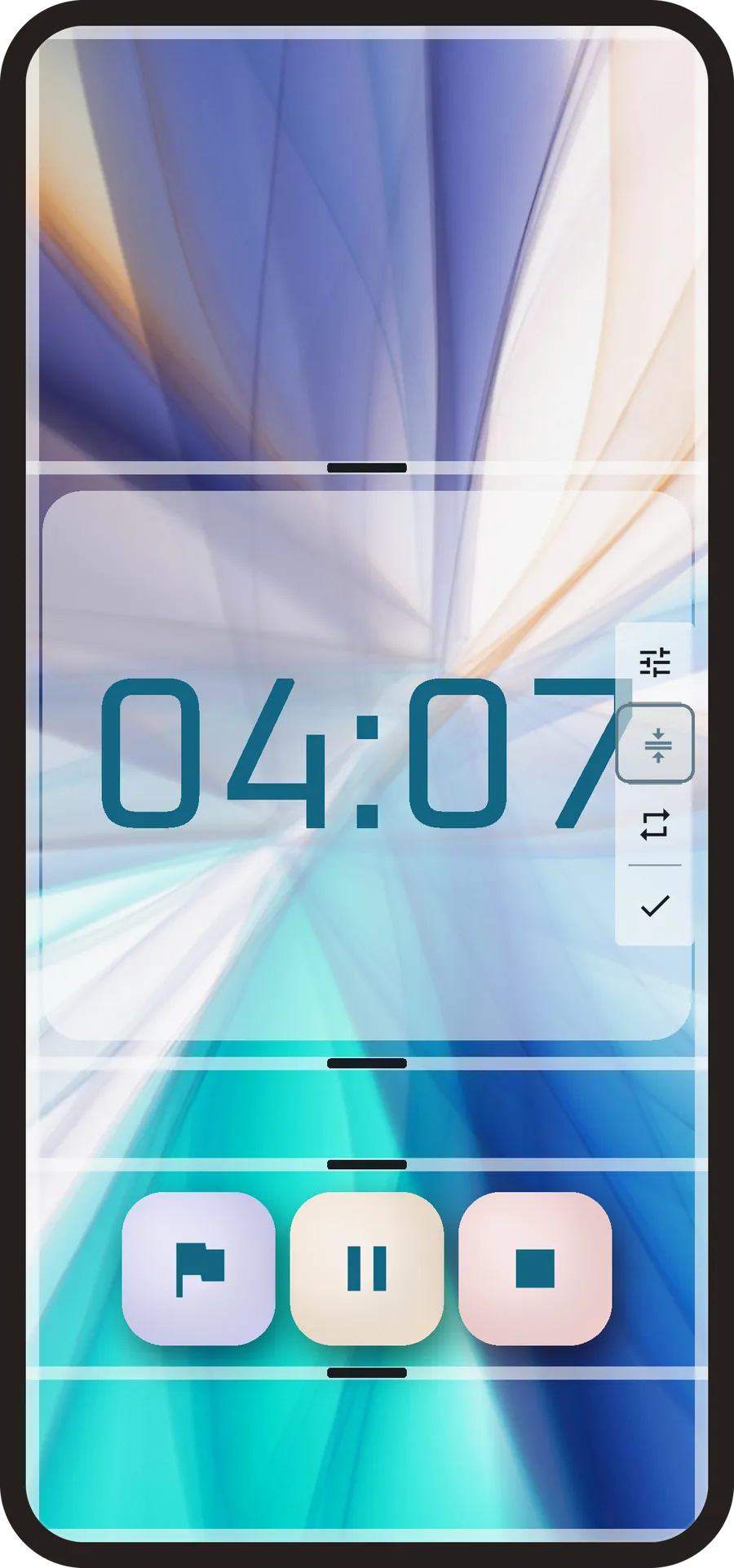
Turn it on and the phone stops looking like a stopwatch. The lap panel goes, the flickering decimals go, and what's left is the time — large, calm, and readable across a room.
Put your own photo behind it and a running timer becomes something you'd happily leave face-up on a desk. For a lot of people it stops being an app they open and becomes an object they glance at.
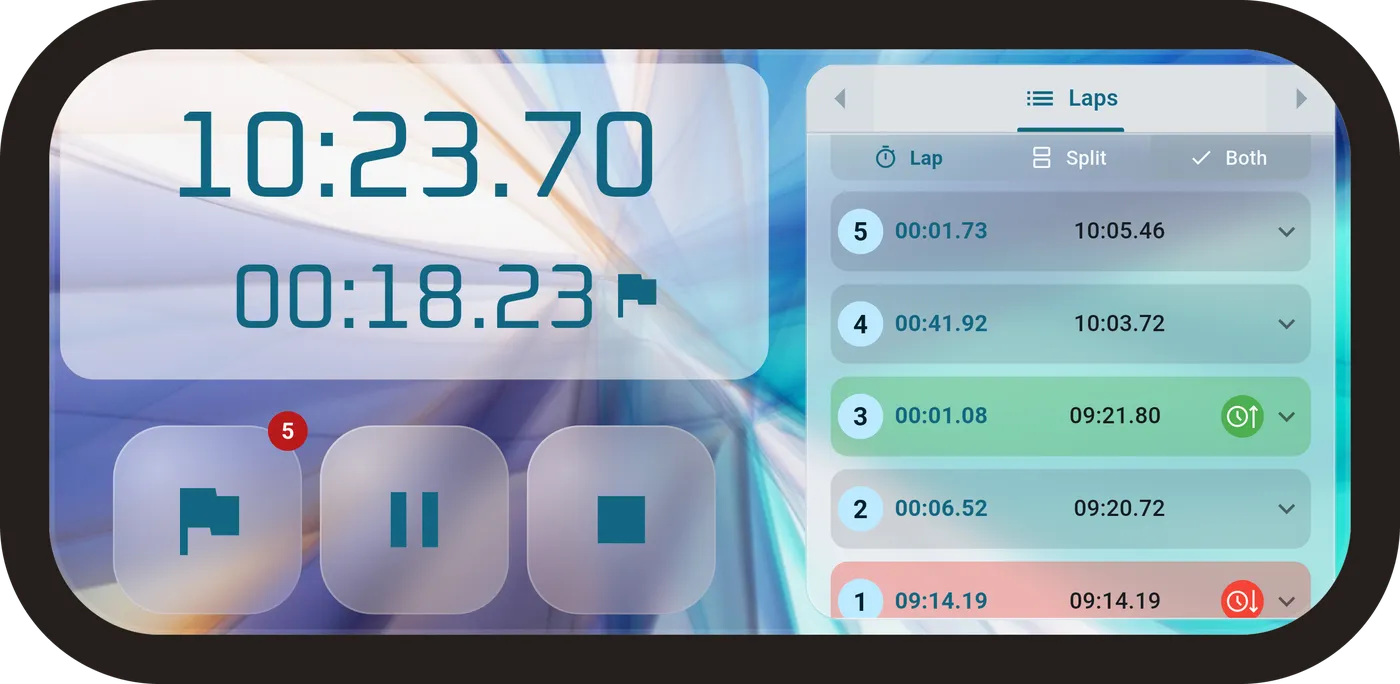
Turn it sideways
Rotate the phone and the layout follows — the same panels, rearranged for a wider screen.
Free vs Pro
The free version is a complete stopwatch: unlimited laps, five saved sessions, editing, and all three export formats. Pro adds the analysis tabs, every style preset, and unlimited colours and sessions.
Free
Free
Core Stopwatch Functionality
- Start, stop, pause, and reset stopwatch
- Lap timing with automatic recording
- Precise timing with millisecond accuracy
- Background timing support with notifications
- Keep screen on during timing
- Auto-save sessions option
Session Management
- Save up to 5 stopwatch sessions
- Edit session names and notes
- Edit individual lap titles
- Delete sessions and laps
- Load and view saved sessions
- Session export (TXT, CSV, JSON formats)
Display & Customization
- Light and dark theme support
- 3 free color palettes (Modern Mono, Purple Royal, Blue Ocean)
- 2 free preset gradients
- 3 palette colours free, all 8 with Pro
- Timer decimal precision control (0-4 decimals)
- Distraction-free mode (hide lap panel and decimals)
- Portrait/landscape orientation support
Audio & Haptic Feedback
- Basic sound feedback for button presses
- Basic vibration feedback for button presses
- Sound on/off toggle
- Vibration on/off toggle
Additional Features
- Multi-language support (20 languages)
- Date and time format customization
- Session statistics and lap summaries
- Share sessions functionality
- Settings persistence
- No ads
Pro
$2.99 USD
One-time purchase
Advanced Session Management
- Unlimited
- Keep all your existing sessions when you upgrade
Enhanced Display & Customization
- All 12 palettes + custom
- All preset gradients unlocked
- Custom color creation and backgrounds
- Custom gradient creation and backgrounds
- Custom image upload for backgrounds (up to 12 images)
- Custom timer font selection (12 professional fonts)
- Custom panel placement controls
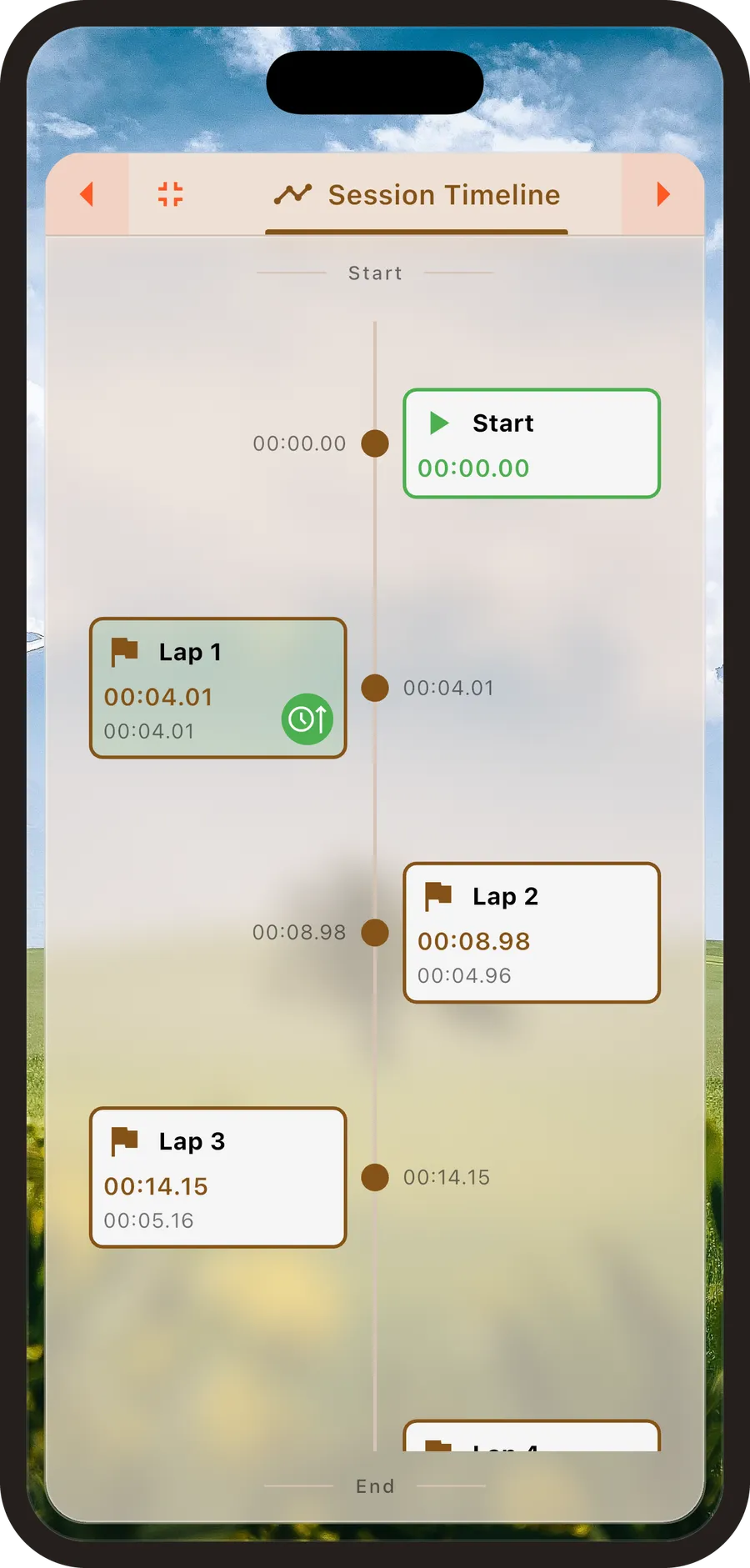
- Advanced lap analysis tabs (Clock, Timeline, Stats)
Premium Audio & Haptic Feedback
- Per-button customizable sound selection (7 sound options)
- Per-button customizable haptic feedback (4 intensity levels)
- Individual button sound and haptic settings
- Individual button haptic settings (Start, Pause, Stop, Lap, Reset, Save)
All Free Features
- All features from the free tier included




TiCaNo Stopwatch measures time to the millisecond and keeps running when you leave the app or lock your screen. Start, stop, pause and resume as the activity demands — timing intervals, laps of a pool, a recipe, or a work session.
What you record stays yours: sessions save with their laps and timings intact, every lap can be named and annotated, and the whole thing leaves in three open formats. Swipe between views to read your laps, follow a clock, or see how your pace changed across the run.
Before you install
Does it keep timing if I switch apps or lock the screen?
Yes. Timing continues in the background with a live notification, so you can leave the app, lock the phone, or use something else and come back to an accurate reading.
Will it drain my battery?
A running stopwatch keeps a background service alive, which uses a little power — but it's a timer, not a GPS track. If your phone is set to aggressively restrict background activity, exclude the app so timing isn't interrupted.
Is it really free?
Yes, and there are no ads. The free version is a complete stopwatch: unlimited laps, five saved sessions, lap naming and notes, and all three export formats. Pro adds the analysis tabs, every style preset, and unlimited colours and sessions.
Do I need an account?
No. Open it and start timing. Nothing to register, nothing to sign in to.
Where does my data go?
Sessions are stored on your device. Nothing is uploaded, and there's no sync or cloud account behind it.
Can I get my data out?
Any time, in TXT, CSV or JSON, with the time precision you choose. You can also share a single session and pick exactly which details go with it.
Does it work offline?
The stopwatch, your sessions and every export work with no connection at all. Only buying Pro and the in-app support form need the internet.
The stopwatch isn't accurate. What should I do?
TiCaNo reads your device's clock rather than counting ticks, so being backgrounded, dropping frames, or even being closed by the system can't make the timer drift — the elapsed time is recalculated from the clock each time it's shown. If a reading still looks wrong, check that your device's own clock is set correctly, since that's what the timer measures against.
Start timing properly

